
Version diff
Compare IPA versions: two builds, 12 dimensions
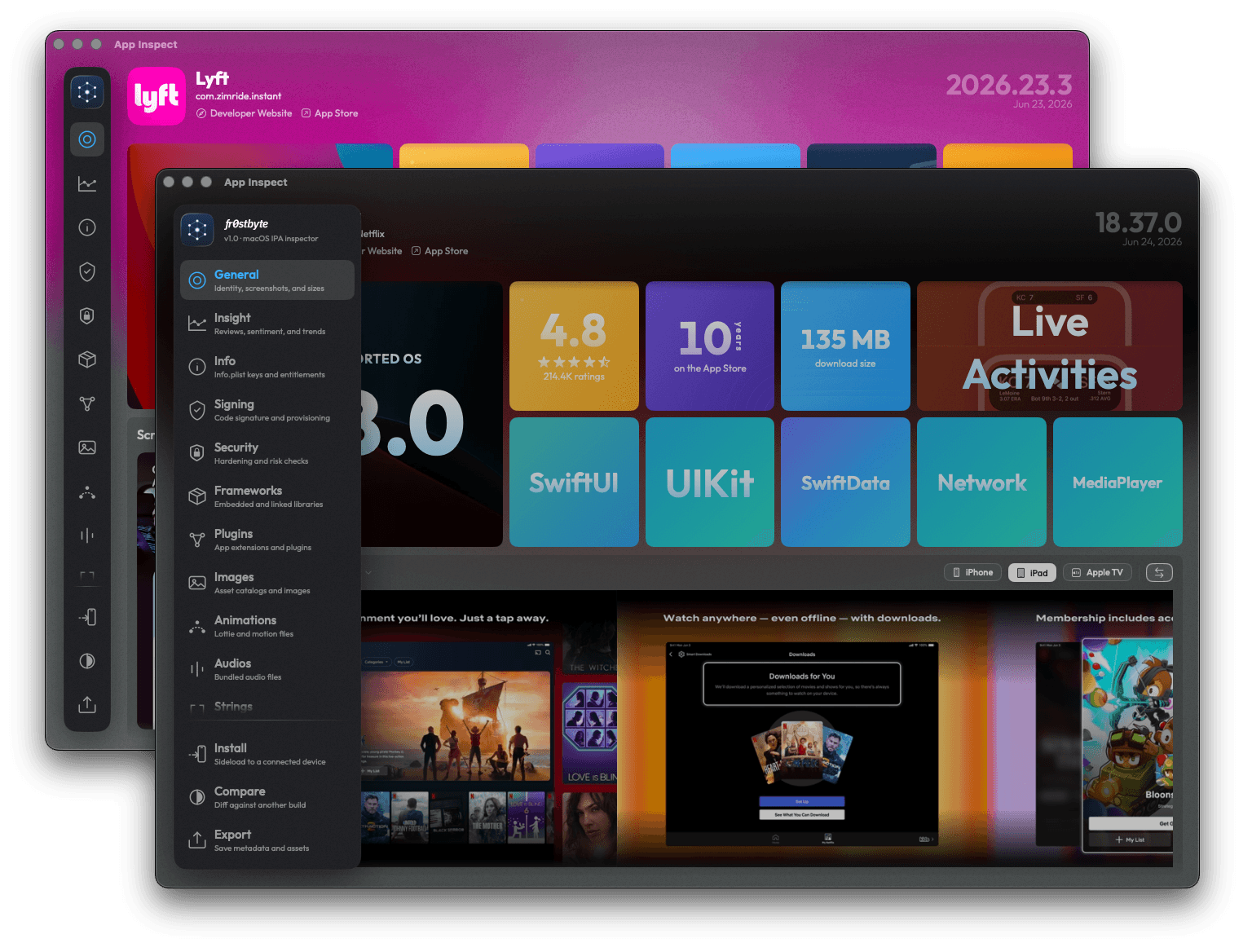
fr0stbyte compares two IPA versions side by side across 12 dimensions, including frameworks, entitlements, size, strings and Info.plist. The Changes view explains every shift in plain English.
How it works
Diff two builds in three steps
- 01
Open the first build
Drop build A on fr0stbyte and let the analysis finish. Compare sits in the sidebar, or press Cmd+Shift+C.
- 02
Add the second
Drop build B onto the pane, pick a file, or search the App Store and download it there.
- 03
Read the diff
Changes narrates what was added, removed or bumped. Table shows the raw matrix with MAJOR, MINOR and PATCH chips.
What you get
Every change between two builds
Frameworks and SDKs
Added, removed and bumped frameworks, static and dynamic. The tech stack sits alongside, so a swapped analytics SDK stands out.
Entitlements and Info.plist
New entitlements and capabilities called out, plist keys that appeared, disappeared or changed, with Sensitive keys flagged.
Size
IPA, payload and estimated installed size per device model, before and after, with the composition that moved.
Files and resources
Which files, images, strings and resources appeared or vanished between the builds, and where the bytes went.
Vitals and binaries
Minimum iOS, SDK, linked libraries and load commands of the main executable and every framework, side by side.
A summary you can forward
The Changes narrative reads like release notes written by the binary. Export either build as a PDF report for context.
Your app against a competitor's
Two different apps work too, after a confirmation, so your build lines up against a competitor's.
Worked example
Reading a diff between two builds
Take a weather app moving from version 4.1 to 4.2. Drop both builds and open the Changes view.
The top lines name the shifts that matter most. A new analytics SDK appears under Frameworks, and Firebase moves up a minor version.
Entitlements gain Sign in with Apple. Info.plist adds a location permission string, listed with the privacy keys.
Size shows the installed footprint on the main device model, before and after. Resources lists the new onboarding images.
Click a line in the summary and its tab opens with the full list behind it.
Switch to Table for the raw matrix, with one column per build. Version bumps carry MAJOR, MINOR or PATCH chips, and unchanged rows stay out of the way.
None of it depends on the release notes the team wrote. Need the older build first? Download any version inside fr0stbyte. To check a single build in your browser, use the free IPA analyzer.
Honest limits
What it does not do
Compare takes two builds at a time and needs fr0stbyte Pro. The trial opens one IPA but blocks Compare. It diffs what the bundle exposes: structure, resources, frameworks, entitlements, load commands. App Store executables stay FairPlay-protected, so it is not a source-code diff.
FAQ
IPA compare FAQ
- Can I compare more than two IPA versions?
- Two today. Open build A, add build B. For a third version, run a second comparison.
- Does Compare need fr0stbyte Pro?
- Yes. The trial opens one IPA with every tab but blocks Compare. Pro is a one-time purchase for one Mac, with a license key to move it.
- Where do I get the older version?
- From App Versions inside fr0stbyte, every version Apple still serves at 1 credit per MB. Or drop any .ipa or .fbt you have.
- Can I compare two different apps?
- Yes. Compare warns that the bundles differ and continues after you confirm.
- What are the 12 dimensions?
- Overview, Files, Vitals, Tech Stack, Frameworks, Plugins, Entitlements, Size, Resources, Strings, Binaries and Info.plist. Each has a Changes narrative and a Table matrix.
- Does it diff the code?
- No. It compares load commands, linked libraries, minimum iOS and SDK, never source or compiled code.
More to do with the same file
Other ways to read an IPA
Or start at the IPA analyzer for macOS, where every one of these begins with a drag and drop.
Know exactly what shipped.
Two builds in, a plain-English list of changes out.