
Review intelligence
App Store review analysis for any app
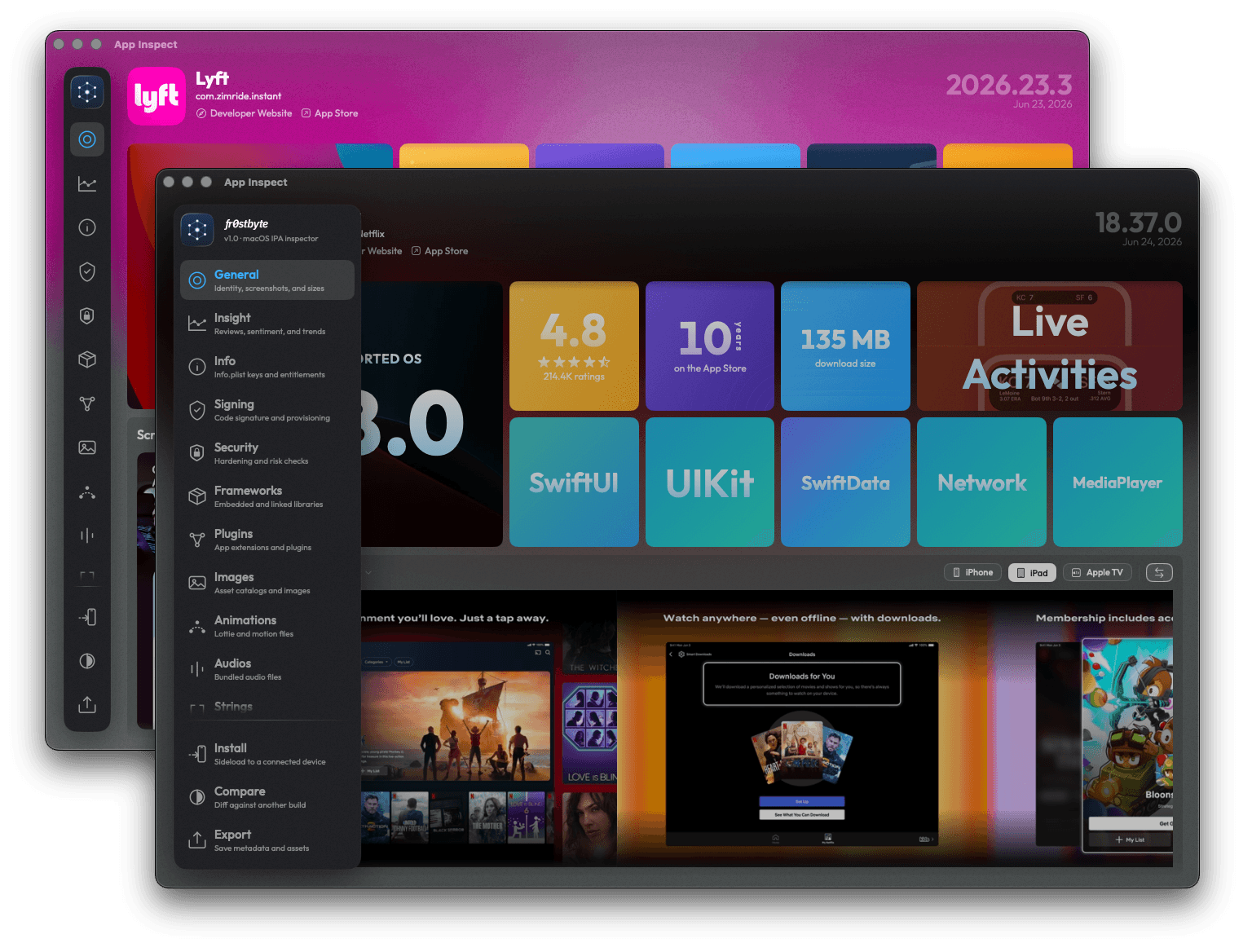
fr0stbyte makes App Store review analysis a tab. Open any app, yours or a competitor's. Insight reads its reviews per storefront, writes an AI-powered verdict and charts rating by release.
How it works
Read reviews in three steps
- 01
Open the app
Drop a build, or download one inside fr0stbyte. Insight appears once the app matches a store listing.
- 02
Pick storefront and window
A world-map picker with per-country review counts, and 30, 60, 90 or 180 days for the verdict. Or pool every storefront.
- 03
Read what users say
Filterable reviews, the verdict, and a dashboard of trends, release impact, theme movers, country divergence and developer responses.
What you get
Read how an app lands with users
Reviews you can filter
Filter by stars, Replied only, date range or version. Sort six ways, switch storefront, read the developer's reply.
An AI-powered verdict
Strengths, Pain Points, Demands and Dealbreakers in four columns over a sentiment split. Written from the reviews in your window.
Rating and volume trends
Average rating, volume and negative share with deltas and sparklines, over a weekly chart with release ticks.
Release impact
Rating before and after every version shows which release fixed the complaints and which one caused them.
Country divergence
Where a storefront's sentiment diverges from the global picture, so a problem in one market stands out.
Developer responses
Response rate, median and p90 latency, replies by star, and the canned replies a team keeps reusing.
Release impact
How release impact is measured
Release impact compares ratings around each version's release date. It reads the 14 days before a release and the 14 days after. Ticks on the weekly rating chart mark the same dates.
Each side needs at least 30 reviews. With fewer, the row shows no delta instead of a noisy guess.
The table lists every release with its rating before and after, the delta and the review count. Bars beside each row scale to the biggest swing, so outliers stand out.
Sort by Recent, or by Worst Δ to bring the release that hurt most to the top.
Open a release for its notes, the star split around it and sample reviews.
Treat a dip after a release as a lead to check. Download that exact build, then diff it against the one before.
Every figure comes from public App Store reviews, so the same view works on a competitor's app.
Honest limits
What it does not do
fr0stbyte never posts or replies to reviews. It skips App Store Connect, so it works on any app but does not replace your analytics. The verdict reads a 50, 150 or 300-review sample per storefront, not every user. Theme movers can take time to appear. These are customer reviews, not Apple's App Review.
FAQ
Review analysis FAQ
- Which apps can I analyze?
- Any iOS app with an App Store listing, yours or a competitor's. Open a build and the Insight tab fills in.
- Do I need App Store Connect access?
- No. Everything comes from public App Store reviews and ratings, which is also why it works on competitor apps.
- What does the verdict contain?
- A summary line, the sentiment split and up to four columns: Strengths, Pain Points, Demands and Dealbreakers. It states how many reviews it read.
- Can I see reviews per country?
- Yes. The storefront picker lists every country with its review count. Pick one, or pool all storefronts.
- Does fr0stbyte reply to reviews?
- No. It is read-only. Replying stays in App Store Connect.
- How far back does it go?
- Reviews take date presets or a custom range. The verdict covers 30, 60, 90 or 180 days. Trends run weekly with every release marked.
More to do with the same file
Other ways to read an IPA
Or start at the IPA analyzer for macOS, where every one of these begins with a drag and drop.
Read how the app lands.
Before you build against a competitor or ship a release, read what their users and yours say.